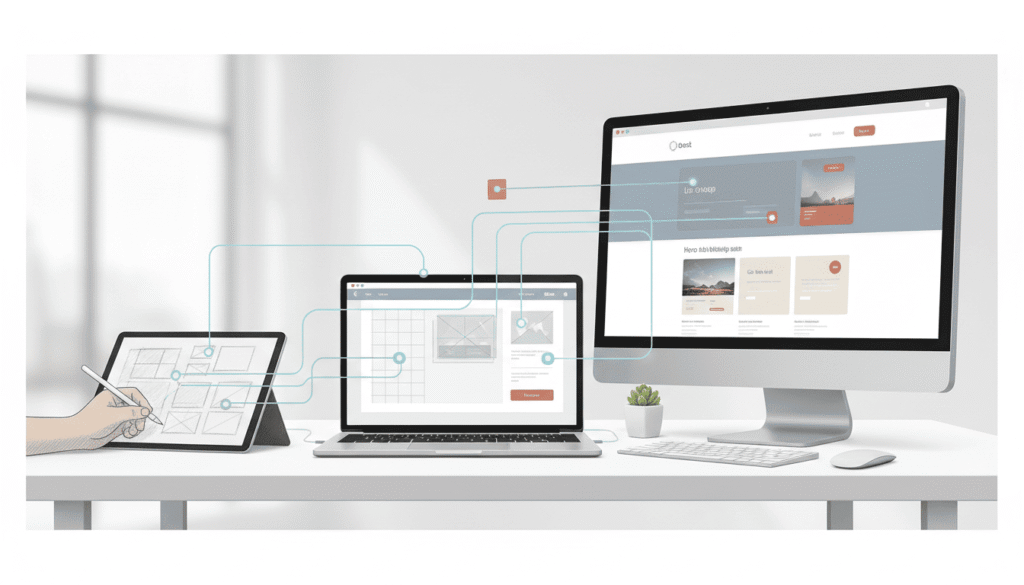
AI is changing how web designers work — not by replacing creativity, but by removing friction from everyday workflows.
For freelance and independent web designers, AI can dramatically reduce repetitive tasks, speed up decision-making, and improve project consistency.
This guide breaks down a realistic AI web design workflow, step by step — from the first client brief to final website launch.
1. Understanding the Client Brief with AI
One of the most time-consuming parts of any design project is translating a vague client brief into clear requirements.
AI can help designers:
- summarize long client emails
- extract key goals and constraints
- identify missing information
At this stage, AI acts as a clarity tool, not a decision-maker.
2. Structuring the Website and User Flow
Once the goals are clear, designers move to structure:
- sitemap
- page hierarchy
- basic user flow
AI tools can assist by:
- generating initial page outlines
- suggesting logical content groupings
- helping validate user flow assumptions
Design decisions still belong to the designer — AI simply accelerates the process.
3. Wireframing and Layout Exploration
AI is particularly useful during early layout exploration:
- generating multiple layout variations
- suggesting section structures
- speeding up low-fidelity wireframes
Instead of starting from a blank canvas, designers can quickly evaluate options and refine the strongest direction.
At each stage of this workflow, designers rely on a small set of AI tools that support planning, layout exploration, and content preparation. AI tools for web designers
4. Visual Design and UI Decisions
AI can support UI design by:
- suggesting color combinations
- generating component variations
- assisting with spacing and hierarchy checks
At this stage, AI supports execution, while visual judgment remains human/
5. Content Preparation and Microcopy
Web designers often need placeholder or draft content to move projects forward.
AI can:
- generate draft headlines and sections
- adapt tone to brand style
- help structure long-form pages
This allows designers to focus on layout and UX instead of blocking on copy.
6. Website Build and Final Delivery
During build and launch, AI helps with:
- checking consistency
- reviewing layout responsiveness
- catching small usability issues
The result is a faster, cleaner workflow, not an automated design process.
Beyond structure and layout, AI also plays a key role in improving daily productivity for web designers. See how designers use AI to work faster
Conclusion
AI doesn’t replace web designers — it removes friction.
When used intentionally, AI becomes part of a professional design workflow that saves time, improves clarity, and allows designers to focus on creative decisions that matter.