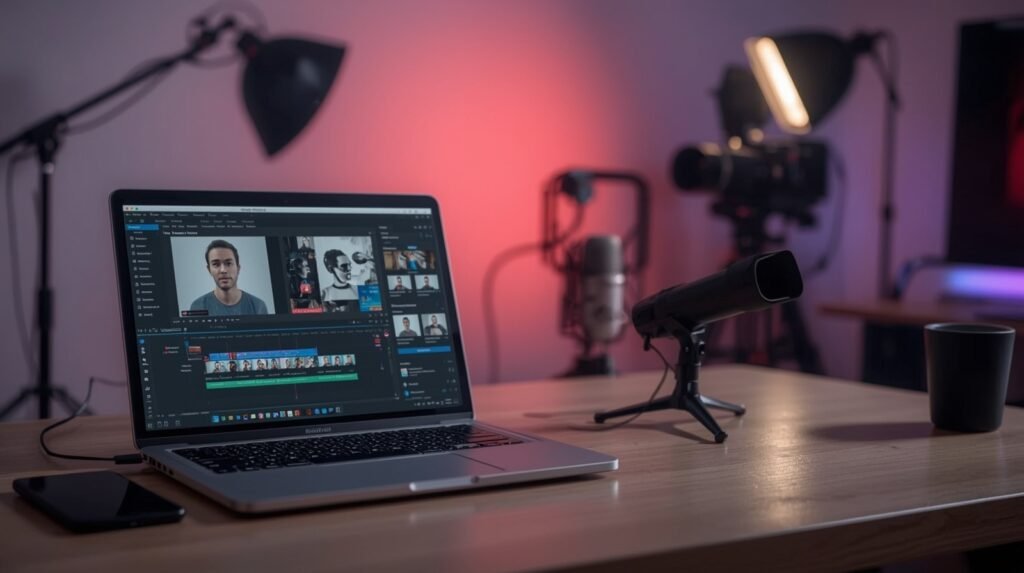
This article explains, step by step, how to create a YouTube channel using an AI-generated talking head. It covers avatar creation, lip sync, tool comparison, costs, setup time, and realistic monetization timelines.
What Is an AI Talking Head on YouTube?
An AI talking head is a digital avatar that:
- looks like a human
- speaks using AI-generated voice
- reads scripts you provide
This format is commonly used for:
- educational channels
- news summaries
- explainer content
- affiliate and review videos
It allows you to create videos without filming yourself, while still keeping a human-like presence.
Step 1: Decide What Type of AI Talking Head You Need
Before choosing tools, you must decide how custom your avatar should be.
Three real options:
| Type | Description |
|---|---|
| Stock avatar | Pre-made avatar provided by the platform |
| Custom AI avatar | Avatar created from photos or video |
| Your own face (AI version) | Avatar cloned from your real appearance |
Your choice affects cost, realism, and trust.
Step 2: Choose a Tool to Create the AI Avatar
Below are real tools currently used for AI talking heads.
Comparison: AI Avatar Platforms
| Tool | Custom Avatar | Lip Sync | Price (approx.) | Notes |
|---|---|---|---|---|
| HeyGen | Yes | Yes | $29–$99/mo | Best_extract balance of realism and ease |
| Synthesia | Yes | Yes | $30–$90/mo | Corporate / educational look |
| D-ID | Yes | Yes | $5–$50/mo | Flexible, but less consistent |
| Colossyan | Limited | Yes | $35+/mo | Script-focused |
| Rephrase.ai | Yes | Yes | Custom pricing | Enterprise-level |
What I would choose starting out:
HeyGen or D-ID — lowest friction, fastest results.
Step 3: Create a New AI Avatar (Custom Character)
Below is a generic workflow (exact UI differs slightly by platform).
What You Need
- neutral photo or short video
- good lighting
- no exaggerated expressions
- plain background
Typical Steps
- Go to Create Avatar
- Upload:
- photo (some tools)
- or short video (others)
- Confirm consent (required by most platforms)
- Wait for avatar processing
- from 10 minutes to several hours
⚠️ If the avatar looks “too perfect”, it will reduce trust.
Natural imperfections are better.
Step 4: Write a Script That Works for AI Voices
AI avatars perform best with:
- short sentences
- simple grammar
- neutral tone
Bad script example
“In today’s video we are going to talk about a very important and interesting topic that many people don’t fully understand…”
Good script example
“In this video, I explain how AI tools are changing YouTube.
Let’s start with the basics.”
Step 5: Generate the Talking Head Video (Lip Sync)
How Lip Sync Actually Works
Lip sync is not automatic video speech.
It is:
- audio → mouth movement mapping
Typical Workflow
- Paste or upload script
- Choose voice:
- built-in AI voice
- or external voice (e.g., ElevenLabs)
- Generate video
- Review mouth movement
Most tools handle lip sync automatically once audio is present.
Step 6: Optional — Use a Custom AI Voice
For better differentiation:
Voice Tools
- ElevenLabs
- Play.ht
Workflow:
- Generate voice audio externally
- Upload audio to avatar platform
- Sync lips to audio
⚠️ Voice cloning may require legal consent depending on jurisdiction.
Step 7: Create the YouTube Channel (Practical Steps)
Channel Setup
- Create a Google account
- Open YouTube → Create Channel
- Choose:
- niche-focused name
- neutral branding
Branding
- banner: AI-generated image
- avatar: your AI talking head (still image)
Step 8: Upload Strategy (Critical for Growth)
Recommended Starting Strategy
- 2–3 videos per week
- 5–10 minutes each
- same format every time
AI talking head channels fail when:
- videos are too long
- pacing is slow
- scripts sound robotic
Costs Breakdown (Realistic)
| Item | Monthly Cost |
|---|---|
| AI avatar tool | $30–90 |
| AI voice | $5–20 |
| Script generation | $0–20 |
| Thumbnails | $0–20 |
Total: ~$40–120/month
How Long Until Monetization?
Realistic expectations:
| Time | Result |
|---|---|
| 0–2 months | Testing, no income |
| 3–4 months | First traction |
| 4–8 months | Monetization possible |
| 8–12 months | Stable income if niche works |
AI does not shorten YouTube’s trust curve — it only reduces production time.
Pros and Cons of AI Talking Head Channels
Pros
- no camera
- scalable production
- consistent appearance
Cons
- lower trust than real humans
- viewer fatigue
- overused format
This format works best in educational and informational niches.
SEO Tips for AI Talking Head Channels
- avoid reused scripts
- add human editing
- optimize titles for intent, not clicks
Final Verdict
AI talking heads are a tool, not a business model by themselves.
They work when combined with:
- good scripts
- narrow niches
- consistent publishing