
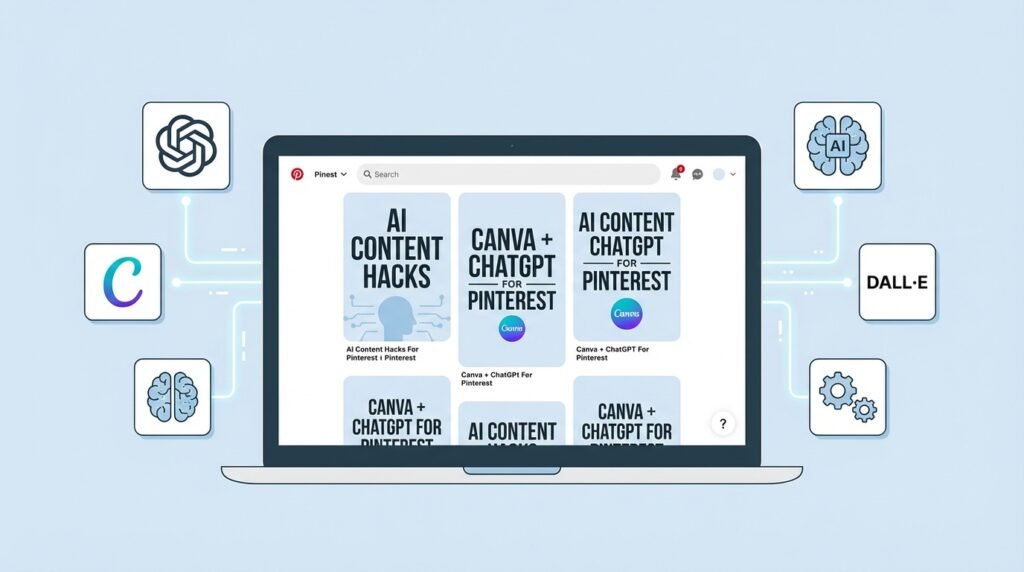
Pinterest remains an underrated traffic source, especially for niche websites and blogs. Unlike Google, where ranking can take time, Pinterest can start bringing visitors within days. Using AI allows you to automate the creation of pins—from images to titles—and scale the process with minimal manual effort.
Why Pinterest Is a Strong Traffic Source
Pinterest functions as a visual search engine. Users search for ideas, products, and solutions rather than just content. This makes it highly effective for:
- blogs
- affiliate websites
- niche projects
- AdSense-based sites
One of the biggest advantages is the ability to generate consistent traffic without constantly publishing new content.
How AI + Pinterest Works
The process is straightforward:
AI generates → images + titles → pins are created → published → drive traffic to your site
AI can automate:
- image generation
- title writing
- descriptions
- keyword suggestions
Tools You Can Use
1. ChatGPT
Used for generating:
- pin titles
- descriptions
- keywords
2. Canva (with AI features)
Allows you to:
- quickly design pins
- use templates
- add text overlays to images
3. Midjourney / DALL·E
Used to generate unique images for pins.
How to Create Pinterest Pins with AI
Step 1. Choose a Topic
Start with a topic related to your article or page.
Examples:
- best productivity apps
- home workout plan
- AI tools for business
Step 2. Generate Titles with AI
Example prompt for ChatGPT:
Generate 10 catchy Pinterest titles for an article about AI tools for small business
Example outputs:
- 10 AI Tools That Will Save Your Time
- Best AI Tools for Small Business in 2026
- How to Automate Your Business with AI
Step 3. Generate Images
Use:
- Canva templates
- or AI image generators
Important:
Pinterest performs best with vertical images (2:3 ratio).
Step 4. Create Multiple Pins
For each article, create:
- 5–10 different pins
- with different titles
- with different designs
This increases reach and visibility.
Step 5. Publish Pins
Upload pins to Pinterest:
- add your website link
- write a description
- include relevant keywords
How to Automate the Process
A fully automated workflow can look like this:
- ChatGPT generates:
- titles
- descriptions
- Canva templates or API:
- generate images
- Scheduling tools (e.g., Tailwind):
- publish pins automatically
This allows you to create dozens of pins with minimal manual work.
How Many Pins Should You Create
For consistent growth:
- 5–10 pins per article
- 1–5 pins per day
Pinterest favors consistency.
How to Monetize Pinterest Traffic
Traffic from Pinterest can be monetized through:
- Google AdSense
- affiliate programs
- selling digital products
- email list building
A common funnel looks like this:
Pinterest → blog post → ads / affiliate links
Common Mistakes
- using identical images
- no text on pins
- weak titles
- missing keywords
- inconsistent posting
How AI Improves Results
AI enables you to:
- test multiple titles quickly
- generate dozens of pin variations
- identify what works
- scale content production
Without AI, creating this volume of content would take significantly more time.
Conclusion
Using AI to generate Pinterest pins is one of the simplest ways to scale traffic without investing large amounts of time. Automation allows you to produce a high volume of visual content, test different approaches, and identify what performs best. With the right strategy, Pinterest can become a consistent and reliable source of traffic and revenue.


wish you all the best