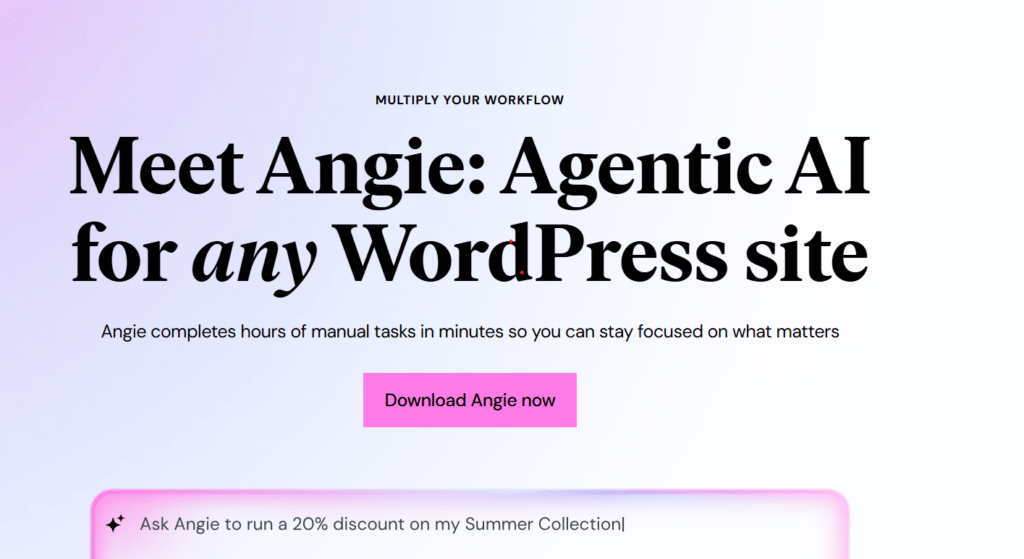
If you’ve ever wished WordPress could run itself — updating pages, editing products, fixing layouts, and organizing content — Angie is exactly that breakthrough.
Angie is an AI agent for WordPress, built by Elementor, that performs real actions on your website, not just generates text.
It understands your site, your plugins, your content structure, and executes multi-step tasks with one simple instruction.
👉 Try Angie (Free Plan Available)
➡️ https://be.elementor.com/visit/?bta=230200&nci=5751
What Is Angie?
Angie is an agentic AI tool that works directly inside WordPress.
Instead of clicking through menus, editing pages manually, or updating content plugin by plugin — you simply tell Angie what to do, and it performs the task automatically.
Examples:
- “Check my website for errors and suggest fixes.”
- “Put all WooCommerce products on sale for 20% this weekend.”
- “Replace the hero banner and update the CTA on this page.”
- “Upload these new products and generate descriptions.”
Angie understands your website’s structure and interacts with it like a skilled assistant.
Why Angie Is Different from Other AI Tools
Most WordPress AI plugins only generate text or create content blocks.
Angie does the actual work.
It uses Model Context Protocol (MCP) to interact with your entire WordPress environment — including installed plugins, layouts, content types, WooCommerce products, and custom fields.
That means you can automate real website operations that normally take hours.
What Angie Can Do (With Real Examples)
1. Site Audit & Health Check
- Scan your entire site
- Detect issues
- Recommend fixes
- Auto-correct common errors
2. Bulk Pricing Updates in WooCommerce
Perfect for sales, seasonal promotions, or product adjustments.
Example:
“Apply a 25% summer sale to all products in the ‘Accessories’ category.”
3. Replace Images, Text, & Banners in One Command
Angie can update an entire landing page or section instantly.
4. Upload or Refresh Product Catalogs
Angie can bulk-upload your WooCommerce store using files and regenerate descriptions.
5. Build or Update Pages
Tell Angie to:
- create a new landing page
- adjust layout
- add new sections
- install missing plugins if needed
6. Translate Content Automatically
Your entire site or selected pages can be translated in seconds.
Table: Angie Features at a Glance
| Feature | What It Does | Who It’s For |
|---|---|---|
| Site-wide Audit | Scans and fixes issues | Site owners, bloggers |
| WooCommerce Automation | Pricing, inventory, bulk edits | E-commerce stores |
| Page Creation | Builds layouts via chat | Designers, marketers |
| Image & Banner Swap | Replaces media site-wide | Agencies, creators |
| Bulk Upload | Automates repetitive tasks | Shop managers |
| Integrations | Works with Elementor, Gutenberg, ACF, WooCommerce | Everyone |
Angie Integrations
Angie works with the most important WordPress tools:
- Elementor
- WooCommerce
- Gutenberg
- Advanced Custom Fields (ACF)
- WS Form
- GiveWP
- The Events Calendar
- Elementor Hosting
More integrations are on the way (LearnDash, etc.).
Is Angie Free?
Yes!
Angie includes a free version with daily renewing credits.
For heavy use, paid tiers unlock higher limits.
How to Install Angie (Beginner-Friendly)
- Download the plugin from the official Elementor link
➡️ Visit Elementor - Upload plugin to WordPress → Plugins → Add New → Upload Plugin
- Click Install
- Click Activate
- Log into Elementor account (required even if you don’t use Elementor Builder)
That’s it — Angie starts working instantly.
CTA Block: Try Angie Today (Free)
👉 Start using Angie for free and automate 80% of your WordPress tasks
➡️ https://be.elementor.com/visit/?bta=230200&nci=5751
Save time, eliminate repetitive work, and let Angie handle the busywork.
How Angie Helps You Earn Money
1. Faster Client Work
Agencies and freelancers can complete projects 3× faster.
2. More Websites per Month
You can deliver:
- full builds
- store updates
- content entry
- audits
3. Sell “AI Maintenance” or “AI Automation” Services
Example:
- $49/month per website
- Angie handles updates
- You oversee and approve changes
4. Build Sites → Sell Them on Flippa
Angie speeds up production so you can flip websites faster.
FAQ (SEO Optimized)
Is Angie safe?
Yes. Angie respects WordPress roles, permissions, and asks for confirmation before major changes.
Do I need Elementor?
No. Angie works with any WordPress setup — Elementor account is needed for login only.
Do I need to train or configure Angie?
No. It understands your site automatically.
Will Angie replace my workflow?
It improves it — you stay in control, Angie follows your instructions.
Final Thoughts
Angie is the most advanced AI agent ever built for WordPress.
If you want to automate real tasks, eliminate repetitive work, and speed up website creation dramatically — nothing else comes close.
👉 Try Angie for free using your personal link:
➡️ https://be.elementor.com/visit/?bta=230200&nci=5751
Some links in this article are affiliate links, meaning I may earn a small commission if you choose to buy through them — at no additional cost to you.