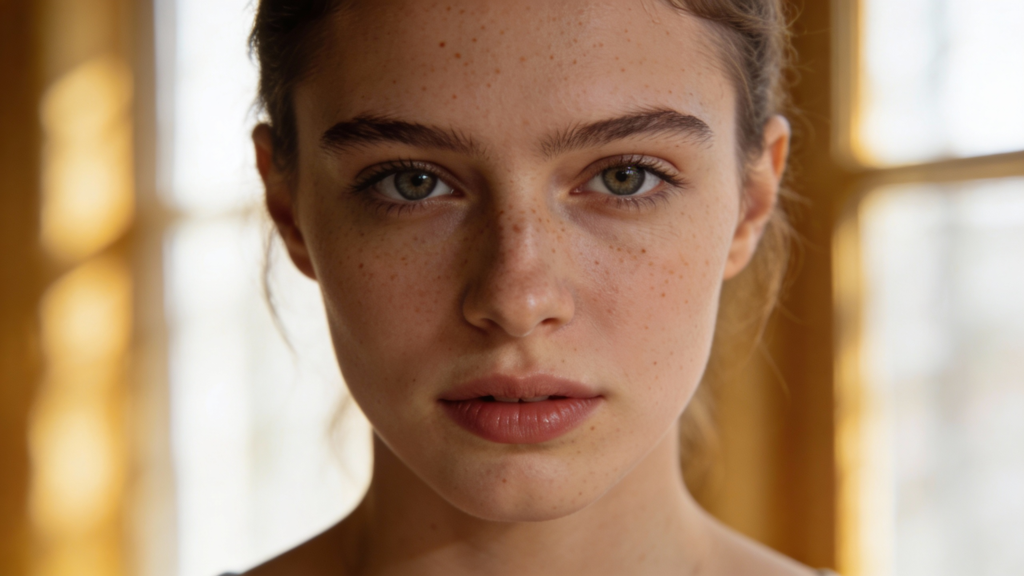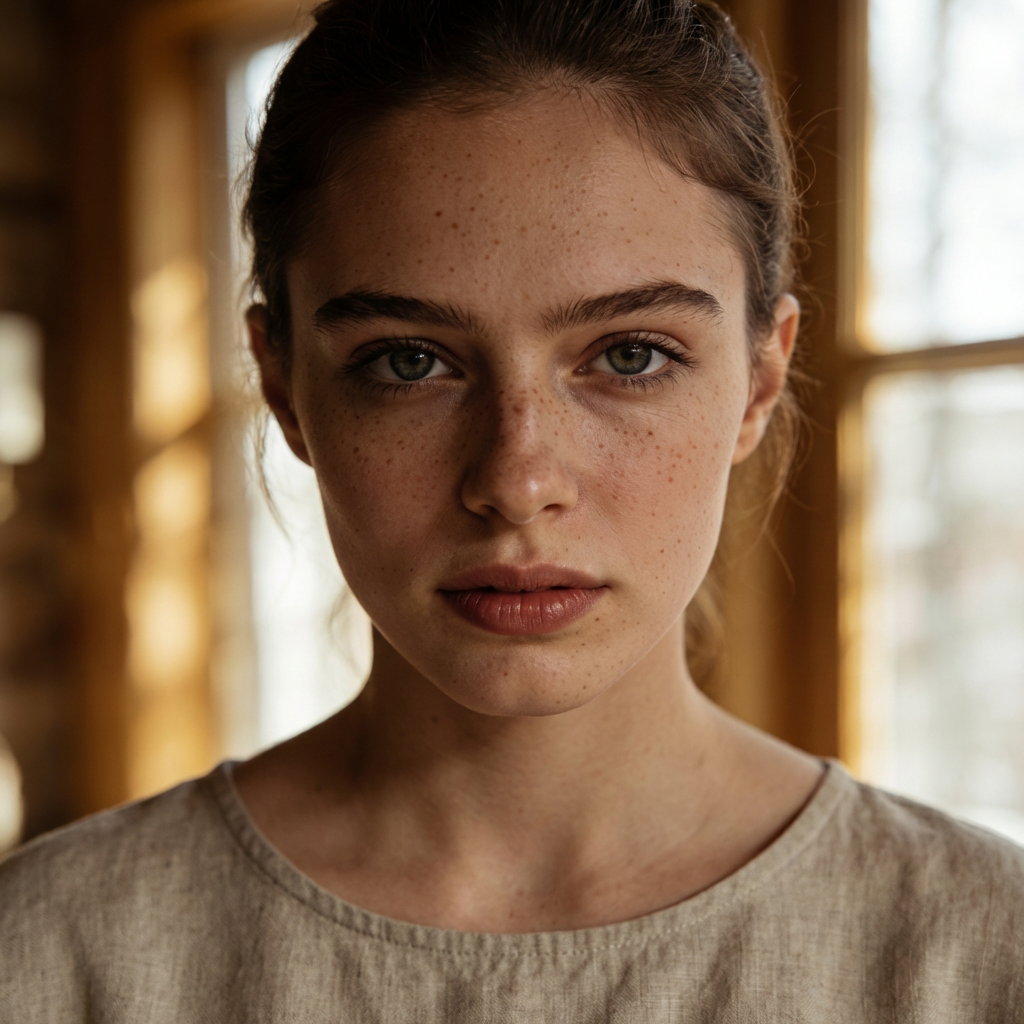
After training your AI face in Leonardo AI, the next step is to create realistic photos that look like images of a real person.
At this stage, you are not building Instagram yet — you are creating a visual identity for your AI model.
Many tutorials about AI models promise an easy result:
“Train a model → write a prompt → get a perfect AI person.”
In reality, Leonardo AI works very differently.
Most beginners fail not because they do something wrong, but because they are never told how LoRA actually behaves.
This guide explains the real workflow of Leonardo AI models, including all limitations, typical errors, and practical solutions.
If you follow this guide step by step, you will be able to:
- stabilize your AI face
- generate portraits, half-body, and lifestyle images
- understand why identity breaks
- use Leonardo efficiently without wasting credits
1. What a Leonardo AI Model Really Is (No Illusions)
In Leonardo, your model is not a full AI person.
It is a LoRA — a lightweight identity layer on top of a base model.
This means:
- the base model controls the body, scene, and style
- the LoRA controls mostly the face
Therefore:
✅ portraits work best
⚠️ half-body is unstable
❌ full-body often breaks identity
This is not a bug — it is the nature of LoRA.
2. The Core Law of Leonardo LoRA
The further the camera is from the face, the weaker the identity.
| Camera distance | Identity stability |
|---|---|
| Close-up portrait | 90–100% |
| Medium shot | 60–80% |
| Half body | 40–70% |
| Full body | 20–50% |
This law explains everything that happens to your model.
3. Correct Leonardo Settings (Mandatory)
Before any prompt, set Leonardo correctly.
Base Settings
| Parameter | Value |
|---|---|
| Mode | Classic / Legacy |
| Base Model | Same as training model (SDXL / Leonardo XL) |
| Element | Your LoRA model |
| Resolution | 768×1024 |
| Aspect Ratio | 3:4 |
| Quality | High |
4. LoRA Weight System (Critical)
Most tutorials lie about weight.
Real working weights
| Scenario | LoRA Weight |
|---|---|
| Portrait | 1.0 – 1.15 |
| Medium shot | 0.85 – 0.95 |
| Half body | 0.65 – 0.85 |
| Lifestyle | 0.6 – 0.75 |
| Full body | 0.55 – 0.7 |
Rule:
👉 The more body you show → the lower the weight.
If weight is too high → Leonardo zooms into the face.
If weight is too low → the face changes.
5. Forbidden Words That Break Identity
Do NOT use these words if you want stable identity:
❌ standing
❌ full body
❌ lifestyle photography (at early stages)
❌ cinematic scene
❌ dramatic lighting
❌ fashion editorial
❌ high facial detail (for half-body)
❌ portrait (when you want half-body)
These words force the base model to dominate over the LoRA.
6. Level System: The Only Realistic Workflow
You cannot jump directly to lifestyle photos.
Leonardo requires a staged approach.
LEVEL 1 — Portrait (Identity Anchor)
Goal: prove that your model works.
Prompt
realistic close-up portrait of a young woman, neutral expression, simple studio background, soft natural light, professional photography
Weight
1.05
Expected result:
- same face in all images
- stable eyes, nose, lips
If not:
→ your model is weak or dataset is inconsistent.
LEVEL 2 — Medium Shot (NOT half body)
Goal: slightly increase distance without losing identity.
Prompt
realistic photo of a young woman, medium distance shot, head and shoulders visible, camera close to subject, simple neutral background, soft natural light, professional photography
Weight
0.9
Important:
- no “portrait”
- no “half body”
- no “standing”
LEVEL 3 — Controlled Half Body
Goal: show torso without losing face.
Prompt
realistic photo of a young woman, medium distance shot, upper body visible, torso visible, camera pulled back slightly, subject occupies medium frame size, simple modern interior, soft natural light, professional photography
Weight
0.7–0.8
Important:
- no face emphasis
- no portrait keywords
- no dramatic scene
LEVEL 4 — Lifestyle Half Body (Instagram Style)
Only after Level 3 works.
Prompt (Bedroom example)
realistic photo of a young woman, medium distance shot, upper body visible, modern minimalist bedroom, neutral beige interior, natural relaxed pose, soft window light, professional photography
Weight
0.65–0.7
7. Why You Get “Another Girl”
This happens when:
- LoRA weight is too low
- camera distance is too large
- scene complexity is high
- base model dominates
It is not a bug.
It is physics of diffusion models.
8. The Only Reliable Solution for Full Body
Truth that no one tells beginners:
👉 Leonardo cannot reliably generate full body with perfect identity in one step.
Professional AI creators use a two-step pipeline.
METHOD A — Pure Leonardo (Maximum Possible Quality)
Step 1 — Generate the face (portrait)
Step 2 — Generate the body WITHOUT LoRA
Prompt:
realistic full body photo of a young woman standing in a modern interior, natural proportions, soft natural light, professional photography
Step 3 — Merge face and body (Inpaint / Edit)
This is how Instagram AI models are actually made.
METHOD B — Compromise (One-step generation)
Prompt
realistic photo of a young woman, medium distance shot, partially visible body, similar facial features, simple modern interior, soft natural light, professional photography
Result:
- identity ~60–70%
- body visible
- no perfect face
This is the maximum Leonardo can do in one generation.
9. Dataset Reality Check
Your model behavior depends on your dataset.
Ideal dataset structure
| Type | Percentage |
|---|---|
| Close-up portraits | 50–60% |
| Medium shots | 25–35% |
| Half body | 10–20% |
| Full body | max 5–10% |
If your dataset is mostly portraits → your model will always zoom into the face.
10. Typical Problems and Real Solutions
Problem 1 — Portrait works, half-body fails
Reason:
LoRA trained mostly on faces.
Solution:
- lower weight
- reduce scene complexity
- accept that identity will drop
Problem 2 — Half-body works, face changes
Reason:
Base model dominates.
Solution:
- slightly increase weight
- simplify background
- reduce camera distance
Problem 3 — Full body always wrong
Reason:
Leonardo limitation.
Solution:
- two-step pipeline (face + body)
- or accept lower similarity
Problem 4 — Model looks like a different person in lifestyle scenes
Reason:
scene complexity too high.
Solution:
- simplify prompts
- remove cinematic words
- reduce styling
11. The Honest Answer: Why Use Leonardo at All?
Leonardo model gives you:
✅ consistent face
✅ reusable identity
✅ cheaper training
✅ fast experimentation
But it does NOT give you:
❌ perfect AI influencer
❌ stable full-body identity
❌ cinematic scenes with perfect face
Leonardo is a prototype tool, not a Hollywood engine.
12. The Realistic Strategy to Spend Your Credits Wisely
Since you have many credits in Leonardo, use this strategy:
1) Generate 20–30 portraits
2) Generate 15–20 medium shots
3) Generate 10–15 lifestyle half-body photos
4) Generate bodies separately
5) Merge faces when needed
This is the most efficient use of Leonardo.
Conclusion
Creating an AI model in Leonardo is not about perfect prompts.
It is about understanding how LoRA actually works.
If you expect Leonardo to behave like Midjourney or Flux, you will always be disappointed.
But if you use it correctly, it becomes a powerful tool for building a stable AI identity.
Leonardo is not magic.
It is a system with strict rules.
Once you understand these rules, you stop losing money and start controlling the result.