
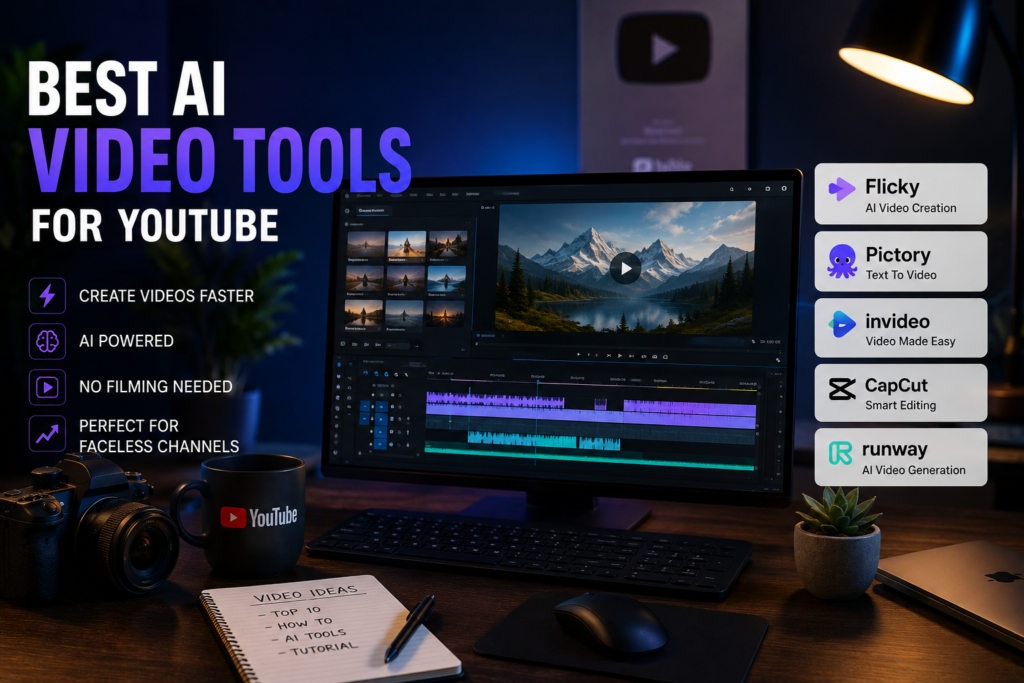
AI video tools have significantly changed how YouTube content is produced.
Instead of filming, editing, and spending hours assembling footage, creators can now generate videos from scripts, automatically match visuals, and produce content at scale. This is what makes faceless YouTube channels possible.
However, there is a misunderstanding that causes most beginners to fail.
They expect AI tools to fully replace the creative process.
In reality, these tools are only effective when used correctly. Each one solves a specific part of the workflow, and understanding those roles is more important than the tool itself.
What AI Video Tools Actually Do
Before choosing a tool, it helps to understand what these platforms are designed to handle.
AI video tools are not complete replacements for editing or storytelling. Instead, they automate repetitive tasks and reduce production time.
Most tools focus on three core functions:
- Content generation — turning scripts into visual scenes
- Scene matching — selecting footage that fits your narration
- Basic editing — adding subtitles, timing, and transitions
This means no single tool does everything perfectly. The best results come from combining automation with manual adjustments.
AI Video Tools Comparison
| Tool | Type | Best For | Strength | Weakness |
|---|---|---|---|---|
| Flicky | Generator | Faceless videos | Fast automation | Template-based output |
| Pictory | Generator + Editor | Long videos | Structured content | Limited flexibility |
| InVideo | Hybrid | Beginners | Easy to use | Generic visuals |
| CapCut | Editor | Final editing | Full control | Not automated |
| Runway | Advanced AI | Creative content | Powerful features | Complex |
Flicky
Flicky is built for speed and simplicity. It allows you to turn a script into a complete video by automatically generating scenes, adding visuals, and syncing voiceovers.
This makes it especially useful for creators who want to produce content consistently without spending hours editing.
The main advantage is efficiency. You can go from idea to published video much faster compared to traditional workflows.
However, the limitation becomes obvious over time. Because the system relies on templates and automated choices, videos can start to look repetitive unless you manually refine them.
Pictory
Pictory focuses more on structure than speed.
It works well when you already have written content, such as a script or article, and want to convert it into a video format. The platform helps break the content into scenes and match visuals more logically.
Compared to fully automated tools, Pictory produces cleaner and more organized videos. This makes it suitable for educational or longer-form content.
The downside is that it offers less flexibility when you want to customize details or experiment with style.
InVideo
InVideo is designed for accessibility.
It provides templates, pre-built scenes, and a simple interface that allows beginners to create videos without technical experience. This makes it a good starting point if you are new to content creation.
However, ease of use comes with a trade-off. Without additional editing, videos can feel generic and lack uniqueness.
To get better results, you will need to combine it with manual improvements.
CapCut
CapCut plays a different role compared to other tools.
It does not generate videos automatically, but it is essential for refining them. This is where you adjust pacing, improve transitions, and fix issues created by automation.
Many creators skip this step and rely entirely on AI output. That is one of the main reasons their videos perform poorly.
CapCut gives you control, which is necessary if you want your content to stand out.
Runway
Runway represents a more advanced category of AI tools.
It includes features such as AI-generated visuals, background removal, and experimental video effects. These tools are more creative but also require more effort to use effectively.
Runway is not necessary for most YouTube workflows, but it becomes useful if you want to produce more unique or visually distinctive content.
How to Choose the Right Tool
Choosing the right tool depends on your priorities and how you plan to produce content.
In practice, most creators fall into one of the following scenarios:
- If your priority is speed and volume, automation tools like Flicky are the best choice. They allow you to quickly turn scripts into videos and scale production efficiently.
- If you want better structure and more organized content, Pictory is a safer option. It helps break down longer scripts into cleaner, more logical video sequences.
- If you are just starting and need something simple, InVideo is easier to learn. It provides a straightforward way to create videos without technical complexity.
In most cases, relying on a single tool is not enough. Combining automation with manual editing leads to better results.
Common Mistakes to Avoid
There are several mistakes that consistently reduce video quality, regardless of which tool you use.
One of the biggest problems is relying entirely on automation. Fully AI-generated videos often lack proper pacing and feel generic, which reduces viewer engagement.
Another common issue is skipping the editing stage. Even small adjustments, such as trimming pauses or improving transitions, can significantly improve the final result.
Creators also tend to choose tools based on convenience rather than performance. A tool that is easy to use is not always the one that produces the best outcome.
Final Thoughts
AI video tools have made content creation faster and more accessible, but they have not eliminated the need for structure and refinement.
The most effective approach is to treat these tools as part of a system rather than a complete solution.
Use AI to generate and accelerate your workflow, but rely on manual adjustments to improve quality and engagement.
Right now, tools like Flicky provide the fastest way to produce content, but the real advantage comes from how you combine them with editing and strategy.