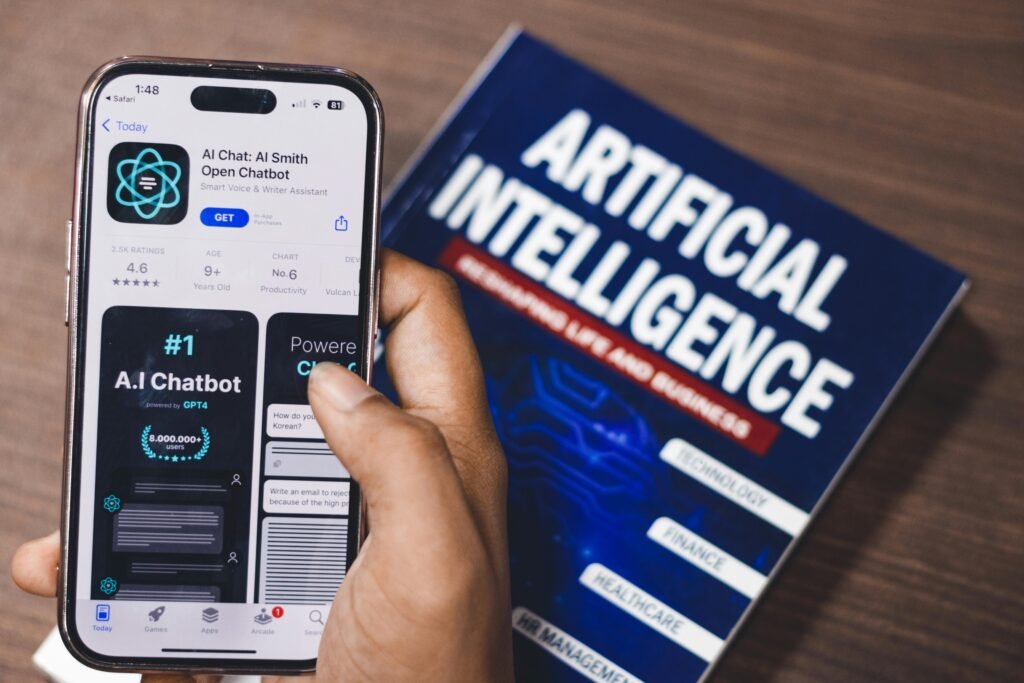
AI tools are no longer optional for freelancers. They are becoming a core part of how work is done — from writing and design to automation and research. However, most articles list dozens of tools without explaining how they are actually used in real workflows. This guide focuses on practical use cases: what tools freelancers use, how they use them, and where AI реально экономит время или увеличивает доход.
If you are still building your workflow, it is useful to first understand the foundation in Best Tools for Freelancers, where the core system is explained before adding AI.
Why AI Matters for Freelancers
Freelancers are paid for output, not effort.
AI helps:
- reduce time spent on repetitive tasks
- generate ideas and drafts
- automate parts of the workflow
👉 Result: more work done in less time.
What to Look for in AI Tools
Not every AI tool is useful in real work.
Focus on:
- practical use (not hype)
- speed and reliability
- integration into workflow
- ability to save time
Best AI Tools for Freelancers (With Real Use Cases)
| Tool | Best For | Real Use Case | Link |
|---|---|---|---|
| ChatGPT | Writing, ideas | Draft articles, outlines | https://chat.openai.com |
| Grammarly | Editing | Improve text clarity | https://www.grammarly.com |
| Canva AI | Design | Generate visuals | https://www.canva.com |
| Notion AI | Organization | Summarize notes, tasks | https://www.notion.so |
| Midjourney / DALL·E | Images | Create blog images | https://openai.com |
1. ChatGPT — Content and Workflow Engine
ChatGPT is one of the most versatile tools freelancers use.
Real use cases:
- writing first drafts
- generating outlines
- rewriting content
- brainstorming ideas
Example:
A freelance writer can generate a full article structure in minutes and then edit it instead of starting from scratch.
👉 Important: raw output needs editing. AI speeds up work, but does not replace thinking.
2. Grammarly — Editing and Clarity
Grammarly improves text quality quickly.
Practical use:
- fix grammar errors
- improve sentence clarity
- adjust tone
Freelancers who write emails or content benefit immediately from cleaner communication.
3. Canva AI — Fast Visual Creation
Design is often required even for non-designers.
Real use cases:
- blog thumbnails
- social media visuals
- simple graphics
Instead of hiring a designer, freelancers can create visuals in minutes.
4. Notion AI — Task and Content Organization
Notion AI enhances productivity workflows.
Use cases:
- summarize notes
- generate task lists
- organize content
When combined with systems explained in Notion vs Trello for Freelancers, it becomes a powerful productivity tool.
5. AI Image Generators — Visual Content
Tools like DALL·E allow freelancers to:
- generate blog images
- create unique visuals
- avoid stock images
This is especially useful for content-based work.
Real Workflow Example
A freelancer creating content can use:
| Step | Tool |
|---|---|
| Research topic | ChatGPT |
| Write draft | ChatGPT |
| Edit text | Grammarly |
| Create visuals | Canva AI |
| Organize tasks | Notion AI |
👉 This reduces hours of work into a structured process.
Comparison: AI vs Manual Work
| Task | Without AI | With AI |
|---|---|---|
| Writing | Slow start | Instant draft |
| Editing | Manual | Assisted |
| Design | External help | DIY |
| Planning | Unstructured | Organized |
Common Mistakes
- relying полностью на AI без редактирования
- using too many tools
- not integrating tools into workflow
- chasing trends instead of solving problems
Key Insight
AI is not about replacing work.
👉 It is about:
- speeding up execution
- reducing effort
- increasing output
Practical Example
A freelancer who uses AI:
- writes content 2x faster
- creates visuals without outsourcing
- manages tasks more efficiently
👉 Result: more clients, higher income potential.
Internal Linking (natural usage)
To build a full system:
- improve focus with How to Focus When Working Online
- structure work with How to Build a Stable Remote Work Routine
- track performance using Best Time Tracking Tools for Freelancers
Conclusion
AI tools are becoming essential for freelancers, but their value depends on how they are used. The best tools are not the most advanced, but the ones that integrate smoothly into your workflow and save time on real tasks. By combining AI with structured work processes, freelancers can significantly increase efficiency and output without increasing workload.