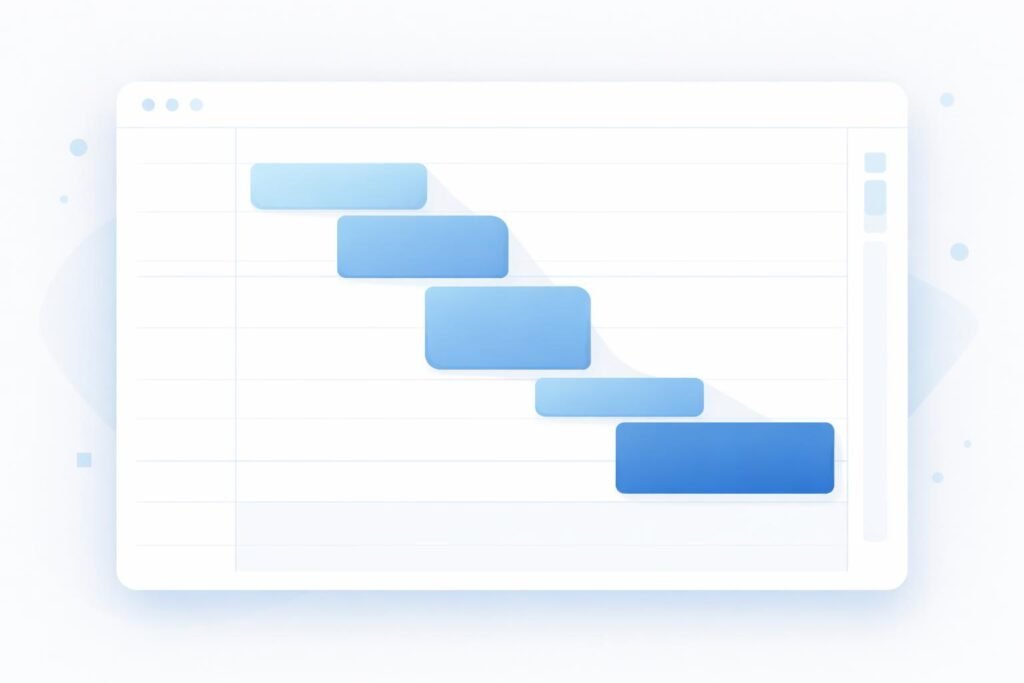
Time blocking is one of the most effective productivity systems for freelancers who struggle with focus, inconsistent schedules, and unpredictable workloads. Unlike simple to-do lists, time blocking forces you to assign specific time periods to конкретные задачи, which reduces procrastination and improves output. This method is widely used because it replaces chaos with structure and makes your work predictable.
If you are still dealing with distractions, it is useful to combine this system with How to Focus When Working Online, since focus and structure work together.
What Is Time Blocking (Simple Explanation)
Time blocking means dividing your day into dedicated blocks of time, where each block is assigned to a specific type of work.
Instead of:
❌ working randomly from a task list
You do:
✅ work on a specific task at a fixed time
Why Time Blocking Works
Freelancers often lose time because of:
- multitasking
- switching between tasks
- unclear priorities
Time blocking solves this by:
- reducing decision-making
- limiting distractions
- creating a predictable workflow
Core Principle: Plan Time, Not Tasks
Most people plan tasks.
Time blocking focuses on:
👉 assigning time to tasks
Step-by-Step: How to Use Time Blocking
Step 1. Identify Your Task Types
Group your work into categories:
| Task Type | Example |
|---|---|
| Deep work | writing, design |
| Communication | emails, messages |
| Admin | file management |
Step 2. Create Fixed Time Blocks
Example schedule:
| Time | Task |
|---|---|
| 09:00–11:00 | Deep work |
| 11:00–12:00 | Communication |
| 13:00–15:00 | Project work |
| 15:00–16:00 | Admin tasks |
👉 Same structure daily = consistency
Step 3. Assign Tasks to Blocks
Instead of random work:
- choose 1–2 tasks per block
- complete before switching
Step 4. Use Breaks Between Blocks
Breaks are required for focus.
| Work | Break |
|---|---|
| 90 minutes | 10–15 minutes |
Step 5. Review and Adjust
At the end of the day:
- check completed tasks
- adjust future blocks
Real Workflow Example
A freelancer writing content:
| Step | Action |
|---|---|
| 1 | Plan tasks |
| 2 | Deep work block (writing) |
| 3 | Communication block |
| 4 | Editing block |
| 5 | Review |
Comparison: Time Blocking vs To-Do List
| Method | Result |
|---|---|
| To-do list | Unstructured work |
| Time blocking | Controlled workflow |
| Multitasking | Low efficiency |
| Time blocks | High focus |
Tools That Help
| Tool | Purpose | Link |
|---|---|---|
| Google Calendar | Time planning | https://calendar.google.com |
| Notion | Task planning | https://www.notion.so |
| Clockify | Time tracking | https://clockify.me |
Time blocking works best when combined with tracking, as explained in Best Time Tracking Tools for Freelancers, where you measure actual output.
Common Mistakes
- overloading time blocks
- not leaving buffer time
- switching tasks inside blocks
- creating unrealistic schedules
Practical Insight
Freelancers who use time blocking:
- work fewer hours
- produce more output
- feel less overwhelmed
👉 because their work is structured.
Conclusion
Time blocking is not just a productivity technique — it is a system that replaces randomness with structure. By assigning specific time periods to tasks, freelancers can reduce distractions, improve focus, and increase output. The key is consistency: a simple schedule followed daily is more effective than a perfect plan used occasionally.