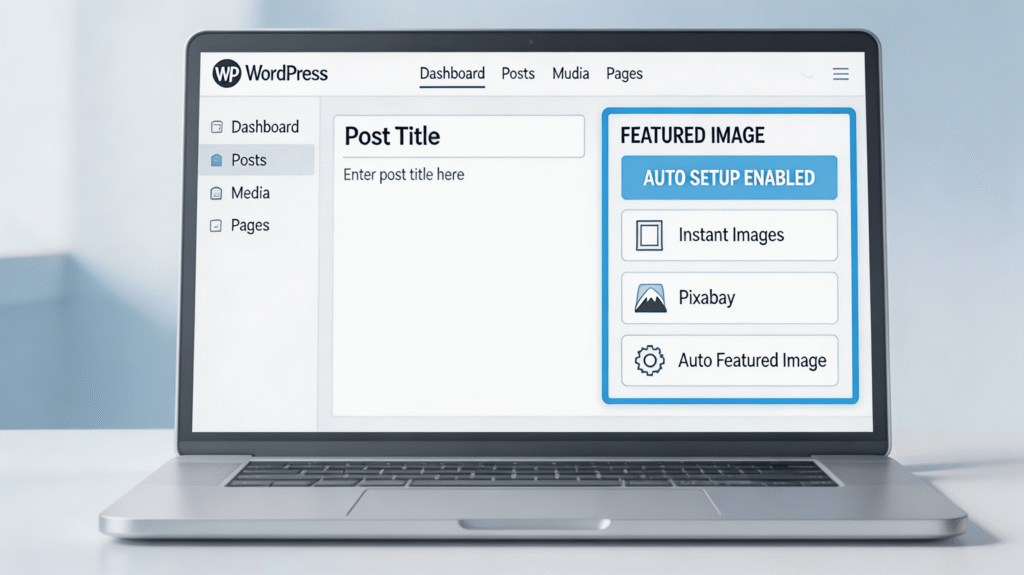
In modern WordPress websites, visual presentation plays a crucial role in user engagement, search visibility, and overall content quality. One common challenge for content creators is automatically setting a featured image for posts, especially when publishing frequently. Manual image selection takes time and reduces workflow efficiency. This article explores the best WordPress plugins for automatic featured images, compares them by price, quality, and ease of use, and explains which solution works best for different goals.
You may also like : How to Use AI Engine in WordPress to Generate SEO Blog Articles (Step-by-Step Guide for Furniture Affiliate Sites)
What Is an Automatic Featured Image and Why It Matters
A featured image is the primary visual representation of a post. It appears in blog listings, archive pages, social media previews, and search engine snippets. If no featured image is set, WordPress may display an empty placeholder or nothing at all, which negatively affects user experience.
Automatic featured image plugins help to:
- Save time during content creation
- Maintain consistent visual formatting
- Improve click-through rate (CTR)
- Support SEO strategy
- Simplify large-scale content publishing
Types of WordPress Plugins for Automatic Images
1. Stock Image Importer Plugins
These plugins allow users to search and import images from free stock libraries such as Unsplash, Pixabay, or Pexels directly into the WordPress media library.
Pros:
- Large image selection
- High-quality visuals
- Direct integration inside WordPress
Cons:
- May require manual assignment as featured image
- Some require API keys
- Not always fully automated
Examples: Instant Images, Pixabay Images.
2. Automatic Featured Image Assignment Plugins
These plugins automatically assign a featured image based on predefined rules. They do not necessarily search external sources but instead use existing images inside the post or media library.
Pros:
- Fully automated
- Minimal manual work
- Ideal for bulk publishing
Cons:
- Image relevance depends on rules
- No external stock integration by default
Examples: Auto Featured Image, Quick Featured Images.
3. Combined Approach (Recommended for Most Websites)
Using a stock image importer together with an automatic assignment plugin provides the best balance between visual quality and automation.
For example:
- Import relevant stock images
- Automatically assign them as featured images via rules
This approach ensures both relevance and efficiency.
Plugin Comparison Table
| Plugin | Price | Image Quality | Ease of Setup | Automatic Featured Image | Best For |
|---|---|---|---|---|---|
| Instant Images | Free | High (Unsplash, Pexels) | Easy | No (manual assignment) | Blogs prioritizing image quality |
| Pixabay Images | Free (API required) | Medium–High | Easy | No (needs automation plugin) | Commercial-friendly stock usage |
| Auto Featured Image | Free | Depends on source | Very Easy | Yes | Fully automated publishing |
| Quick Featured Images | Free / Pro | Medium–High | Moderate | Yes (rule-based) | Advanced bulk control |
How to Use These Plugins (Brief Instructions)
Instant Images
- Install and activate the plugin via WordPress dashboard.
- Open the image search interface inside admin.
- Enter a keyword related to your post.
- Import the selected image to the media library.
- Assign it as the featured image in the post editor.
Pixabay Images
- Register on Pixabay and obtain an API key.
- Enter the API key in plugin settings.
- Search images by keyword.
- Import and assign as featured image.
Auto Featured Image
- Install and activate the plugin.
- Open settings and define a rule (e.g., use first image in post).
- Save settings — the plugin automatically assigns featured images during publishing.
Quick Featured Images
- Install and activate the plugin.
- Define rules based on category, tag, keyword, or bulk selection.
- Apply to new or existing posts.
Which Plugin Is the Best?
There is no universal “best” plugin — the right choice depends on website goals.
For High Visual Quality
Instant Images or Pixabay Images provide better image control and stock variety. Suitable for content-focused blogs, editorial websites, and visually-driven brands.
For Maximum Automation
Auto Featured Image is ideal for sites that publish frequently and require minimal manual work.
For Balanced Automation and Control
The combination of Pixabay Images (for sourcing) and Quick Featured Images (for automatic assignment) is the most flexible solution.
This setup works well for blogs, content marketing websites, affiliate sites, and growing content platforms.
Automatically setting featured images in WordPress improves workflow efficiency and content consistency. Stock image plugins provide access to large media libraries, while automation plugins eliminate repetitive tasks. For most websites, combining both approaches delivers the best results: high-quality visuals with minimal manual effort. The ideal solution depends on publishing frequency, content type, and desired level of control.