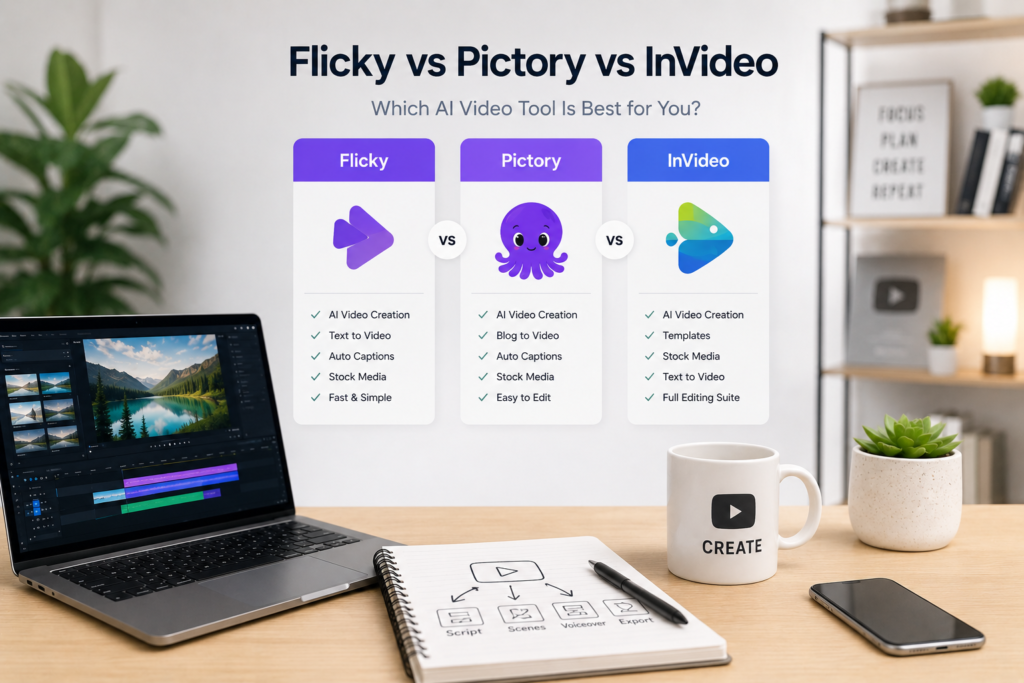
Most AI video tools promise the same thing:
turn your script into a video in minutes.
On paper, Flicky, Pictory, and InVideo look very similar. They all offer automation, templates, and fast content creation.
But in practice, they behave very differently.
The real difference is not in features — it’s in:
- how videos are structured
- how much control you have
- how usable the output is for YouTube
This guide breaks down those differences so you can choose based on your actual workflow, not marketing claims.
Quick Comparison Table
| Tool | Best For | Speed | Quality | Control | Main Problem |
|---|---|---|---|---|---|
| Flicky | Fast content | ⭐⭐⭐⭐⭐ | ⭐⭐⭐ | ⭐⭐ | Repetition |
| Pictory | Structured videos | ⭐⭐⭐ | ⭐⭐⭐⭐ | ⭐⭐⭐ | Limited flexibility |
| InVideo | Beginners | ⭐⭐⭐⭐ | ⭐⭐⭐ | ⭐⭐⭐ | Generic output |
Core Differences (Before You Choose)
Before diving into details, it’s important to understand how these tools are fundamentally different.
- Flicky is built for speed and automation
- Pictory is built for structure and clarity
- InVideo is built for ease of use
That means the “best tool” depends entirely on what you are trying to do.
Flicky
Flicky focuses on turning scripts into videos as quickly as possible.
It automatically:
- splits text into scenes
- selects visuals
- adds voiceover
- generates captions
This makes it one of the fastest tools available.
However, that speed comes with a trade-off. Because much of the process is automated, the output can feel repetitive. Visuals are often pulled from the same stock sources, and without manual editing, videos may look similar to each other.
When Flicky works best
- You need to produce content at scale
Ideal for testing niches or uploading frequently. - You run a faceless channel
Especially for AI, facts, or explainer content. - You prioritize speed over perfection
The goal is volume, not cinematic quality.
Pictory
Pictory takes a more structured approach.
Instead of focusing purely on speed, it tries to organize your content into cleaner, more logical video sequences. This is especially useful for longer videos or educational content.
The platform is better at maintaining flow, which makes videos easier to follow.
However, it is less flexible than it looks. Customization options are limited, and making detailed changes can feel restrictive.
When Pictory works best
- You create longer videos
Better scene structure improves watchability. - You focus on educational content
Clear flow matters more than speed. - You want cleaner output without heavy editing
InVideo
InVideo sits somewhere in the middle.
It combines templates, automation, and manual editing into one platform. This makes it easier to learn compared to more specialized tools.
The main strength of InVideo is accessibility. You don’t need advanced skills to start creating videos.
However, this simplicity often leads to generic-looking content. Without customization, many videos look similar.
When InVideo works best
- You are a beginner
Easy entry point into video creation. - You want flexibility without complexity
- You plan to customize templates manually
Head-to-Head Comparison
Speed
If your goal is to create videos as fast as possible:
- Flicky — fastest
- InVideo — moderate
- Pictory — slower
Flicky clearly wins here because of its automation.
Video Quality
If you care about structure and watchability:
- Pictory — best structure
- InVideo — decent
- Flicky — needs editing
Pictory produces more organized content out of the box.
Control and Customization
If you want control over your videos:
- InVideo — most flexible
- Pictory — moderate
- Flicky — limited
Flicky sacrifices control for speed.
Ease of Use
If you’re starting from zero:
- InVideo — easiest
- Flicky — simple
- Pictory — slightly harder
Which Tool Should You Choose?
Instead of guessing, choose based on your situation:
- Choose Flicky if
you want speed, automation, and fast publishing. - Choose Pictory if
you care about structure and cleaner videos. - Choose InVideo if
you want a balance between ease of use and flexibility.
Common Mistake
Most beginners try to find “one perfect tool.”
That usually doesn’t work.
The better approach is combining tools:
- Flicky → for generating drafts
- CapCut → for editing
- AI voice → for quality
This gives better results than relying on a single platform.
Final Thoughts
All three tools work.
But they solve different problems.
- Flicky → speed
- Pictory → structure
- InVideo → simplicity
The mistake is choosing based on features instead of workflow.
The right tool is the one that fits how you actually create content.
Affiliate Disclosure
Some links in this article are affiliate links. This means we may earn a commission if you choose to use them, at no extra cost to you.
We only recommend tools used in real creator workflows.